

- Short Description
- Download app source code from CodeCanyon, extract, open in Visual Studio Code for editing. Configure exports.domain with your real domain like https://wpbox.mobidonia.com. Update App.json to set name, slug, identifiers, and logo URL.
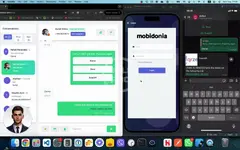
Download the app source code from CodeCanyon and extract it.
Open the source code in your favorite text/code editor. We suggest [Visual Studio Code](https://code.visualstudio.com/).
Bash:
exports.domain - with your real domainexample
– Link to your logo ( can be the one on the login screen )
There, change the name, slug, ios. bundle identifier and android. package with your desired values.


