- PrestaShop Compatibility
- 1.6.x
- 1.7.x
- Short Description
- Add "Add to Quote" button to any product in PrestaShop for seamless B2B commerce, customize quote forms with 8 different fields, and receive email alerts when a customer submits or approves a quotation request. Enhance your store's conversion rate with this powerful module.
The Quotation module allows your customers to submit quotation requests for products and bargain for the best prices. Review quotation request & if agreed, send a direct cart link to customer's inbox. Ability to create customized quote forms.
What this module does for you
insert_chart Facilitate B2B commerce
What Prestashop Product Quote Module does for you?
This PrestaShop Quote Module increases your store conversions by providing customers with fast and easy to use quotation form. Customers can conveniently ask for a quote and Ajax based Loading prevents the page from refreshing or reloading that saves the time of the customer.
Product, Category Specific
With our latest update to Prestashop Product Quote Module, now you can enable quotation for whole shop, specific categories or particular products.
Email Alerts
Emails Alerts allow you to keep in touch with the customer regarding a product quote. When a customer submits a quotation form, the Prestashop Quote Module authenticates the submission of the quote and automatically sends an email to you. Emails are also sent when a customer sends a message to the merchant and can be viewed from the admin panel.
Offer Discounts
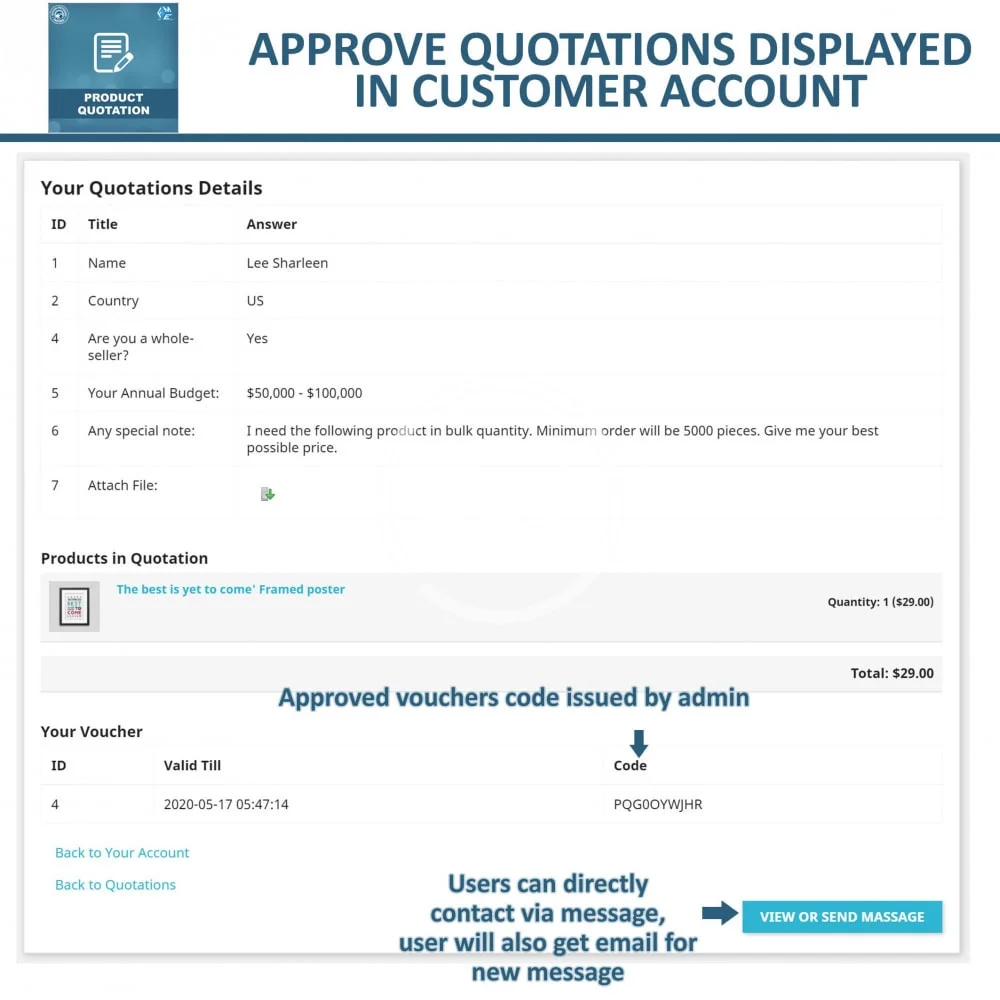
Once you approve the quotation a confirmation email will be sent to the customer. You can offer discount vouchers in reply to quotation emails so customers can avail discounts on products. In this way, our Prestashop Quote Module provides an incentive to bulk buyers ensures that they will come to your store again to purchase discounted products.
Customize Quotation Form
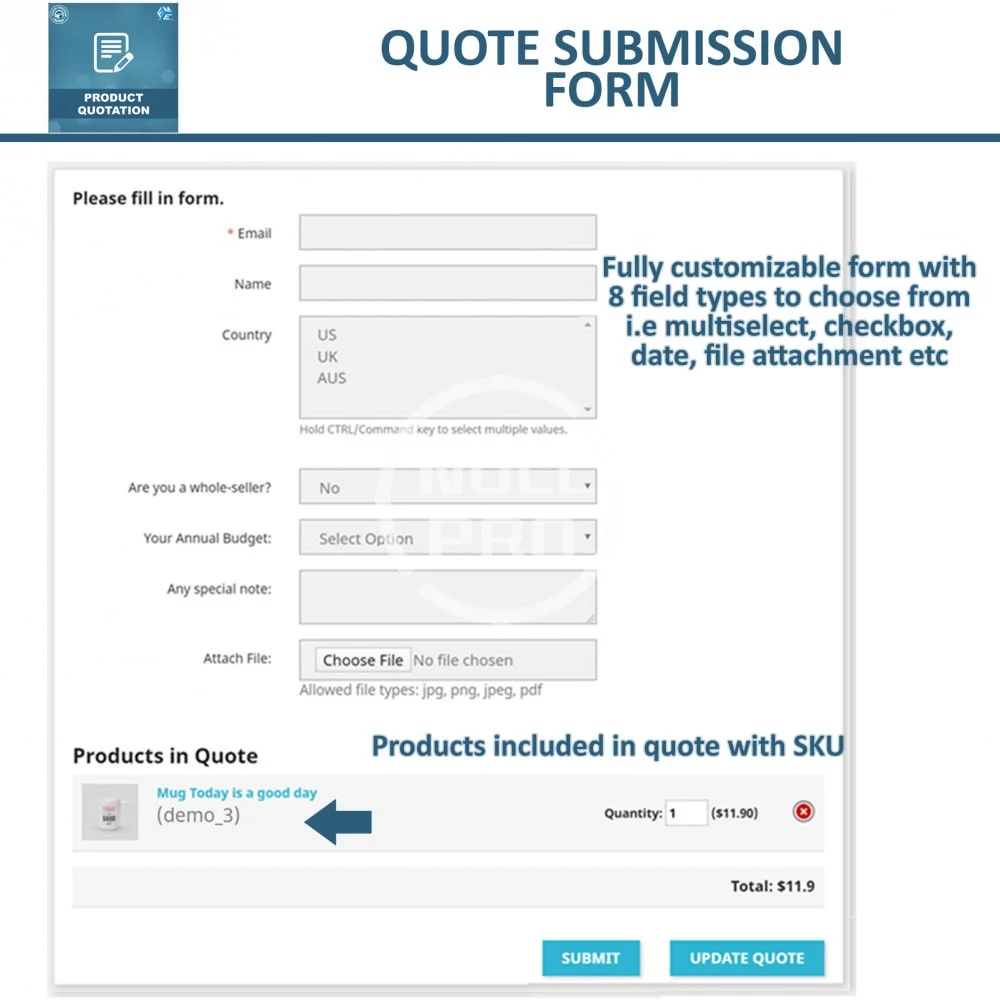
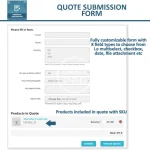
You acquire more information about the quote by introducing new fields. You can add unlimited number of fields in your form. Field types include multi-select, yes/no, checkbox, radio button, text box, etc.
See less
What your customers will like
Add to Quote Block
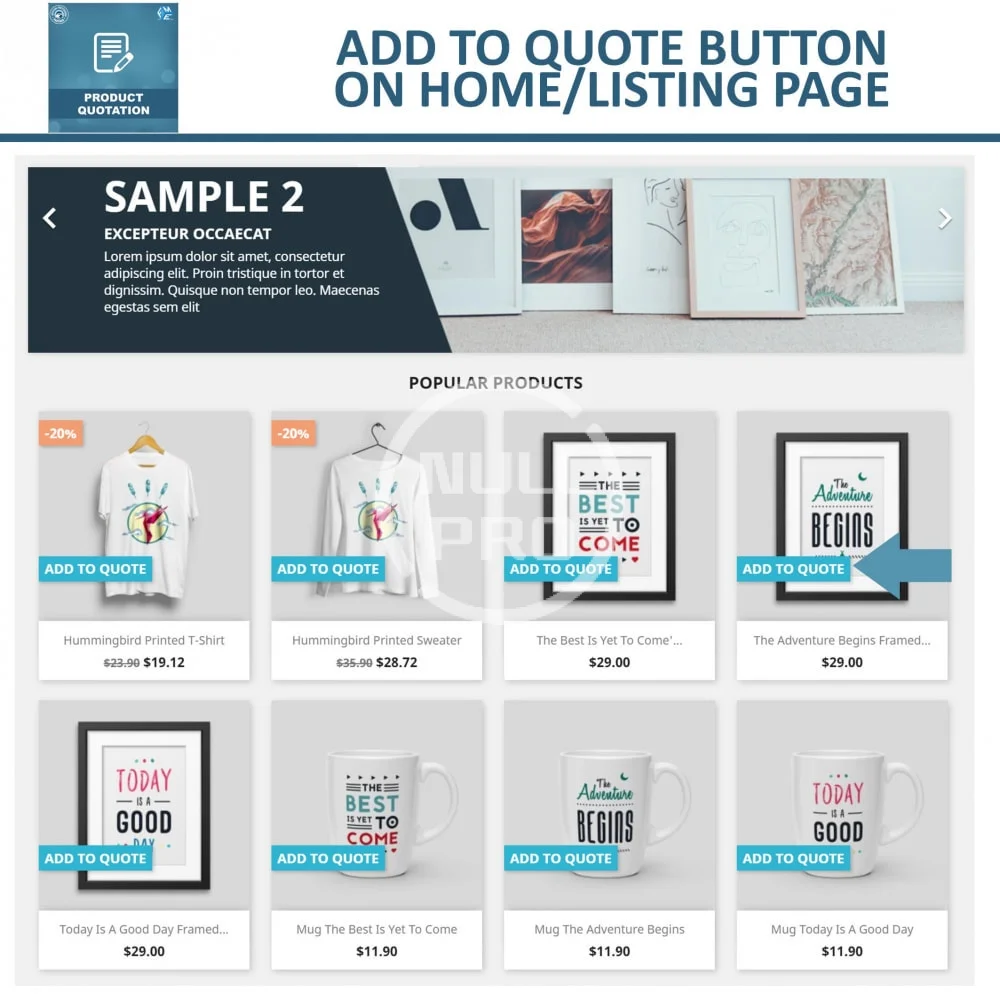
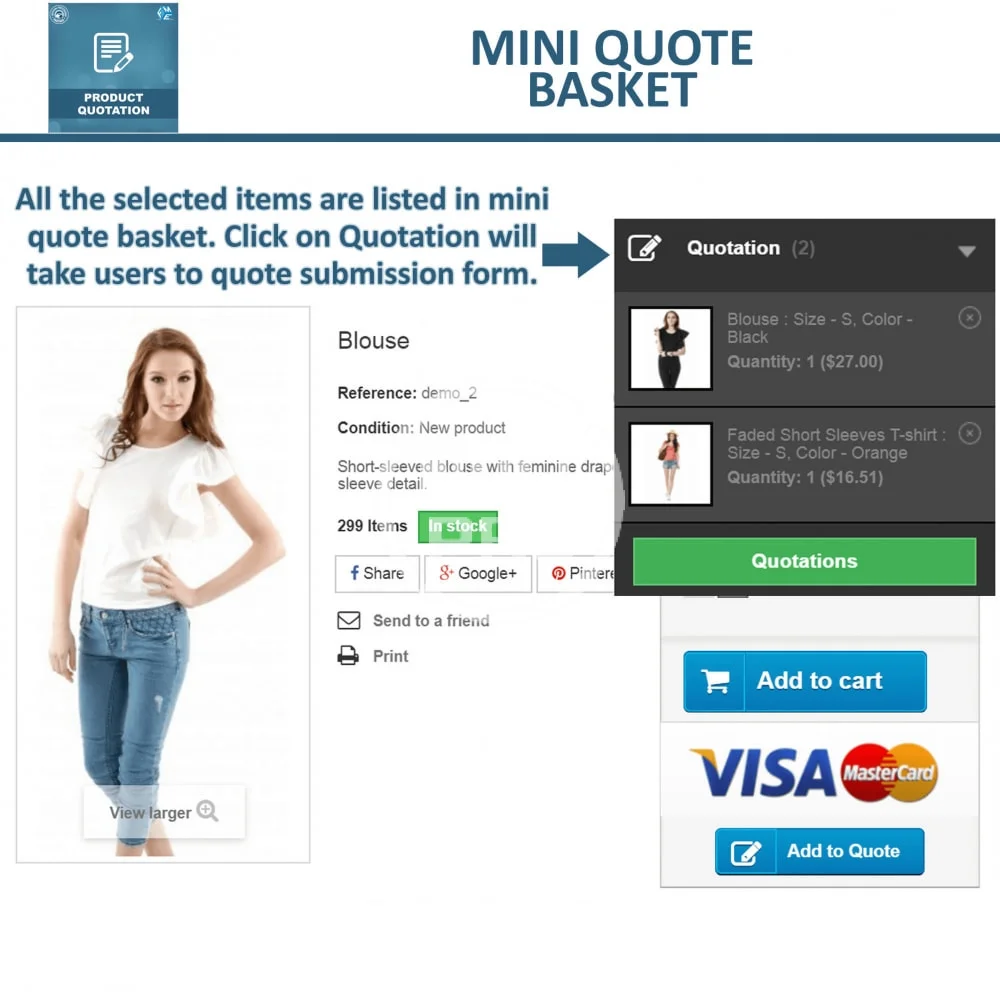
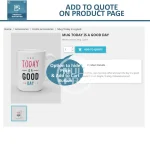
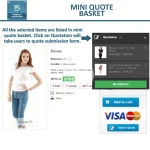
This PrestaShop Quotation Module creates an ‘Add to Quote’ button clicking on which the specific product will be added to a special block which is shown in the header. It allows customers to keep adding products without reloading the page. This Button not only brings convenience to the customer to but also ensures a fast and smooth cart process.
Customer Comments
Customers can send their product requests by filling the quotation form. The comment section allows customers to add valuable comments for product specifications which can help the merchants in providing with the exact estimate.
Instant Messaging
If customers have a query or need to make a change in their quotation they can contact the merchant through instant messaging. Centralized messaging allows customers to easily communicate with the merchant through a fast and user-friendly platform. Email alerts are sent to the customers each time a message is sent.
View and Edit from ‘My Account’
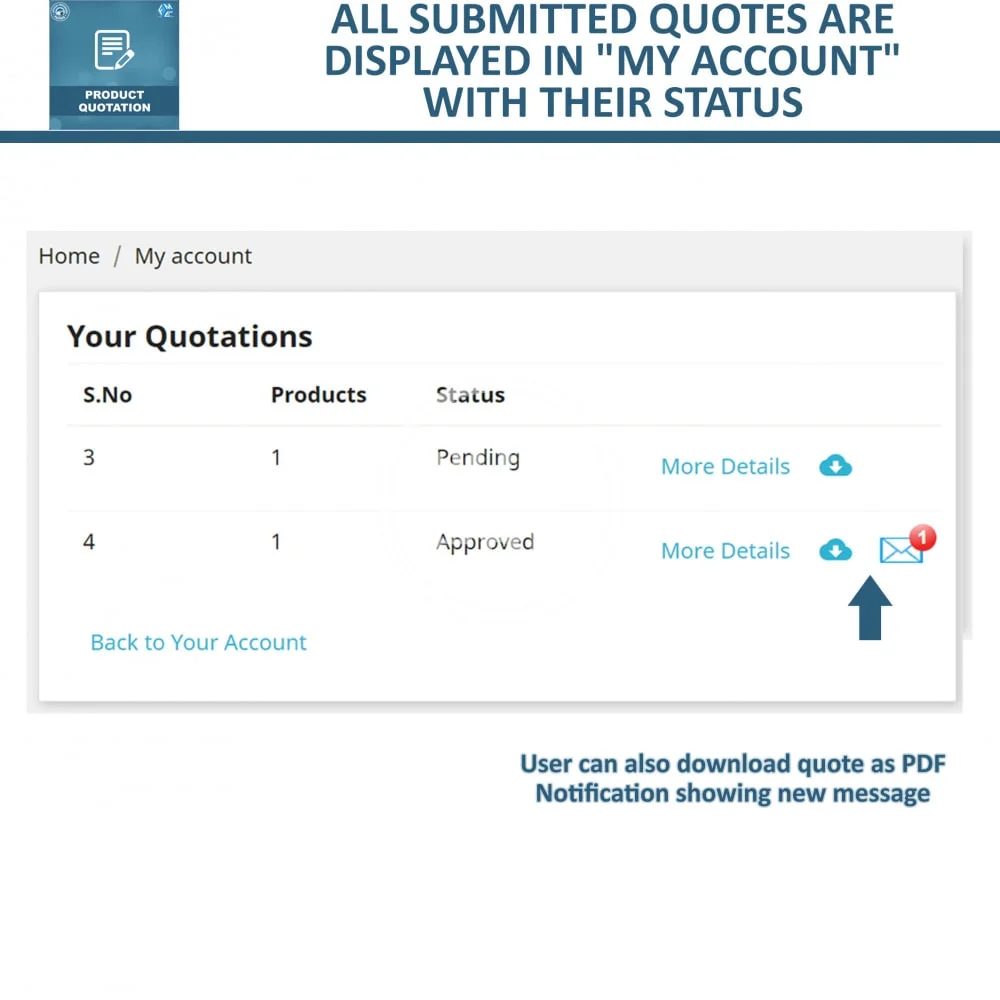
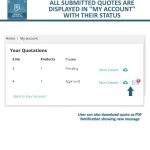
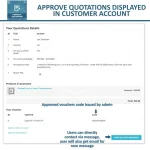
Customers can view their price quote details from My Account section such as messages, quotes, vouchers, and order history and contact details. This allows customers to confirm their quote status and reply to any message that is sent by the merchant. Customers can also edit their address and contact details.
What this module does for you
insert_chart Facilitate B2B commerce
What Prestashop Product Quote Module does for you?
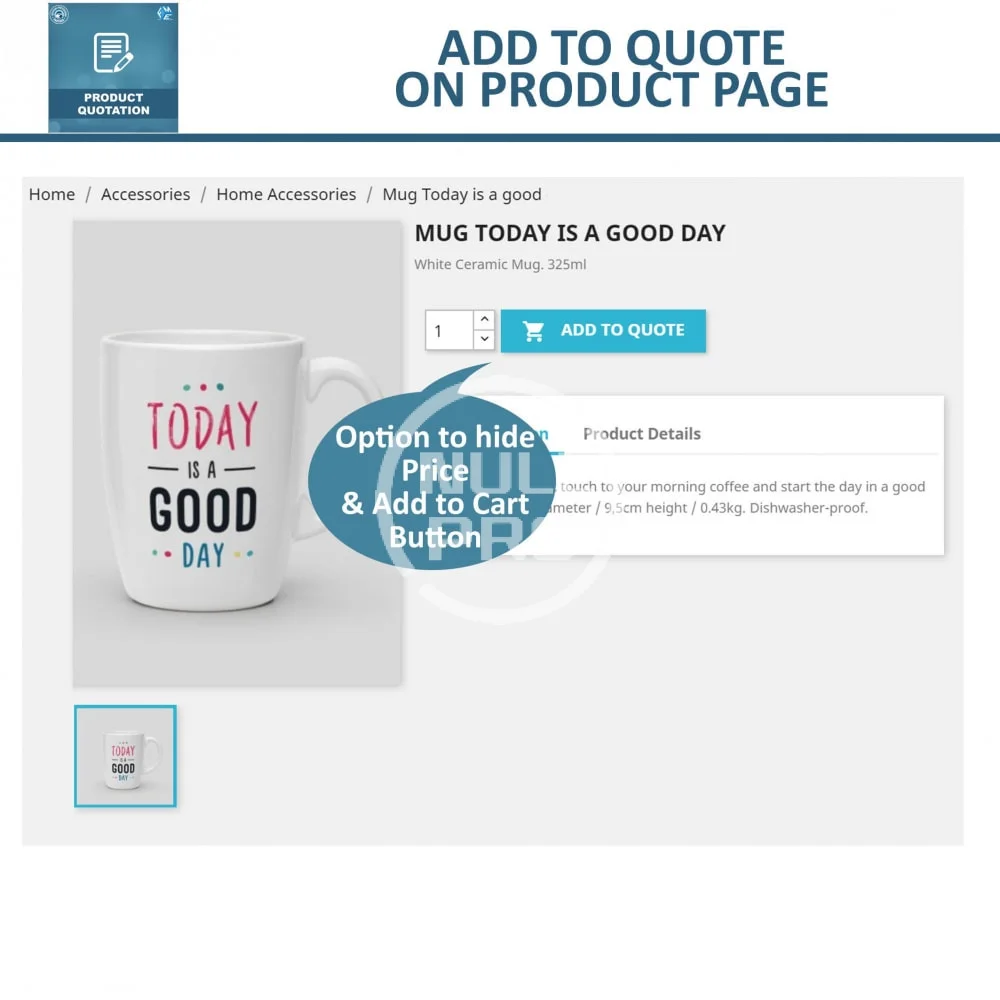
- Add "Add to Quote" button to Any Product
- Option to show "Add to Quote" button on Product listing page
- Option to hide price on the product page
- Option to enable Add to Quote on out of stock products
- Enable quotation for a specific category, products or user groups
- Create Customize-able Quote Forms
- 8 Different types of fields to choose from
- View & Reply Quotation Requests from Back-office
- Allow Customers to add Multiple Products in Bag and ask for bundle Quote
- Generate direct cart link send it to the customer's email address with a single click
- You can enter a fix price for the cart before generating direct cart link for customer
- Notify Customer VIA email when Quote is Approved & Send Discount Voucher
- Email Notification to Admin when New Request for Quote is placed
This PrestaShop Quote Module increases your store conversions by providing customers with fast and easy to use quotation form. Customers can conveniently ask for a quote and Ajax based Loading prevents the page from refreshing or reloading that saves the time of the customer.
Product, Category Specific
With our latest update to Prestashop Product Quote Module, now you can enable quotation for whole shop, specific categories or particular products.
Email Alerts
Emails Alerts allow you to keep in touch with the customer regarding a product quote. When a customer submits a quotation form, the Prestashop Quote Module authenticates the submission of the quote and automatically sends an email to you. Emails are also sent when a customer sends a message to the merchant and can be viewed from the admin panel.
Offer Discounts
Once you approve the quotation a confirmation email will be sent to the customer. You can offer discount vouchers in reply to quotation emails so customers can avail discounts on products. In this way, our Prestashop Quote Module provides an incentive to bulk buyers ensures that they will come to your store again to purchase discounted products.
Customize Quotation Form
You acquire more information about the quote by introducing new fields. You can add unlimited number of fields in your form. Field types include multi-select, yes/no, checkbox, radio button, text box, etc.
See less
What your customers will like
Add to Quote Block
This PrestaShop Quotation Module creates an ‘Add to Quote’ button clicking on which the specific product will be added to a special block which is shown in the header. It allows customers to keep adding products without reloading the page. This Button not only brings convenience to the customer to but also ensures a fast and smooth cart process.
Customer Comments
Customers can send their product requests by filling the quotation form. The comment section allows customers to add valuable comments for product specifications which can help the merchants in providing with the exact estimate.
Instant Messaging
If customers have a query or need to make a change in their quotation they can contact the merchant through instant messaging. Centralized messaging allows customers to easily communicate with the merchant through a fast and user-friendly platform. Email alerts are sent to the customers each time a message is sent.
View and Edit from ‘My Account’
Customers can view their price quote details from My Account section such as messages, quotes, vouchers, and order history and contact details. This allows customers to confirm their quote status and reply to any message that is sent by the merchant. Customers can also edit their address and contact details.
-
 quotation-allow-customer-to-ask-for-quote (1).webp
 -
 quotation-allow-customer-to-ask-for-quote (2).webp
 -
 quotation-allow-customer-to-ask-for-quote (3).webp
 -
 quotation-allow-customer-to-ask-for-quote (4).webp
 -
 quotation-allow-customer-to-ask-for-quote (5).webp
 -
 quotation-allow-customer-to-ask-for-quote (6).webp
 -
 quotation-allow-customer-to-ask-for-quote.webp