

- XF Compatibility
- 2.2.x
- Short Description
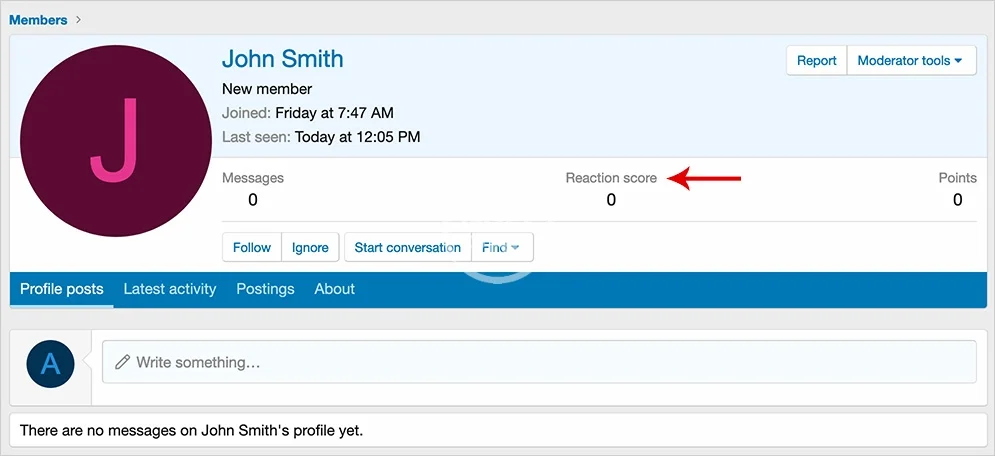
- Remove highest reaction scores from member cards and profiles with ease. Use Admin control panel > Users > Member statistics to disable Highest reaction score feature.
Removes reaction score from member card and profile page.
Setup:
In order to remove the Highest reaction score information from the Member page, do the following:
Admin control panel -> Users -> Member statistics
Disable the Highest reaction score.
Setup:
In order to remove the Highest reaction score information from the Member page, do the following:
Admin control panel -> Users -> Member statistics
Disable the Highest reaction score.


![[XTR] Prevent to Reselect or Remove Reactions](/data/resource_icons/7/7263.jpg?1720149273)

![[Andy] Remove Follow](/data/resource_icons/0/905.jpg?1720149240)