
![[cXF] Widget Tabs](/data/resource_icons/25/25991.jpg?1757518185)
- XF Compatibility
- 2.3.x
- 2.2.x
- Short Description
- Create customizable widget tabs with up to 8 positions, add icons, choose header styles, and hide tabs based on user permissions. Easily manage widgets in preset or custom positions with [cXF] Widget Tabs feature.
Create a widget and add additional widgets inside and show them as tabs. More in screens below
Features:
create up to 8 tabs and add widgets to preset widget positions
add an icon for widget tab title
easy choose between two tab header styles
show widgets title (useful if you want to have more widgets in the same tab)
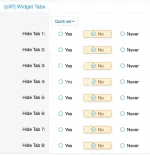
hide tabs to a certain user group with permissions
How does it work?
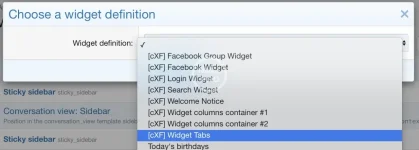
1. Create a widget [cXF] Widgets Tabs and set a position where you would like to show it:
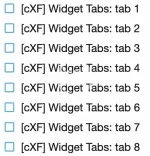
2. Create or add existing widgets and set Display positions for tabs:
3. Go to Options > [cXF] Widget Tabs and enter titles for each tab to show.
4. Go to Style properties > [cXF] Widget Tabs and check additional styling.
OPTIONAL
< hide tabs to a certain user group with permission >
Screens:
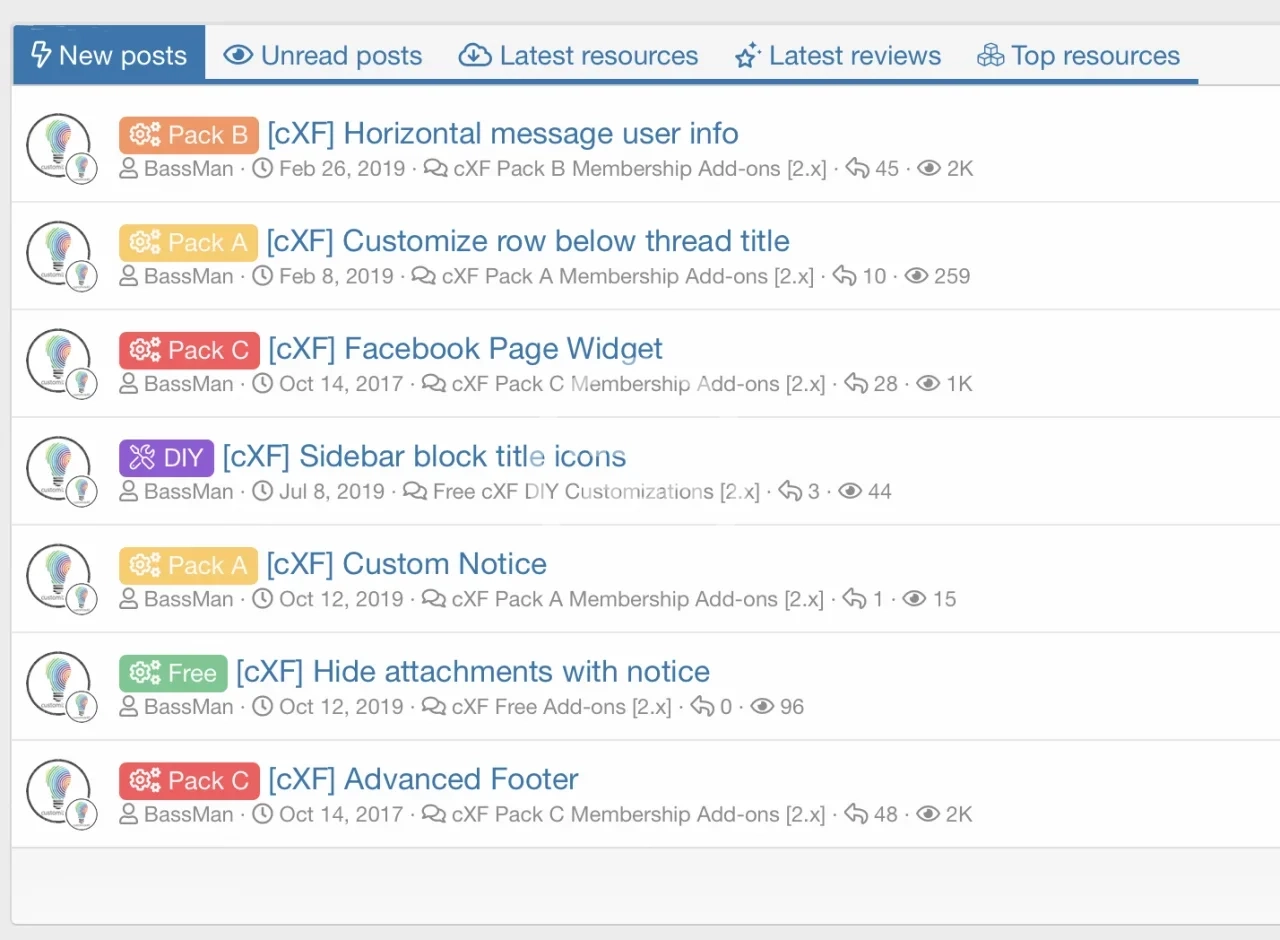
< demo widgets in tabs >
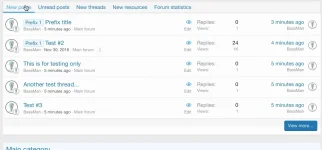
< demo widgets in tabs in sidebar >
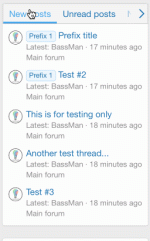
< example of more widgets in the same tab >
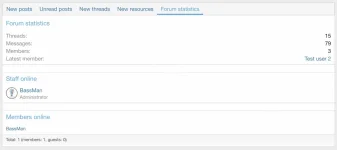
< easily change tabs heading style >

< add icons to tab title >

< demo widget tabs on customizexf.com >
Features:
create up to 8 tabs and add widgets to preset widget positions
add an icon for widget tab title
easy choose between two tab header styles
show widgets title (useful if you want to have more widgets in the same tab)
hide tabs to a certain user group with permissions
How does it work?
1. Create a widget [cXF] Widgets Tabs and set a position where you would like to show it:
2. Create or add existing widgets and set Display positions for tabs:
3. Go to Options > [cXF] Widget Tabs and enter titles for each tab to show.
4. Go to Style properties > [cXF] Widget Tabs and check additional styling.
OPTIONAL
< hide tabs to a certain user group with permission >
Screens:
< demo widgets in tabs >
< demo widgets in tabs in sidebar >
< example of more widgets in the same tab >
< easily change tabs heading style >
< add icons to tab title >
< demo widget tabs on customizexf.com >


![[cXF] Account widgets](/data/resource_icons/4/4302.jpg?1720149256)
![[cXF] Enhanced New Threads Widget](/data/resource_icons/23/23860.jpg?1739526967)
![[cXF] Enhanced Search Forum Widget](/data/resource_icons/12/12472.jpg?1720149301)