- PrestaShop Compatibility
- 1.6.x
- 1.7.x
- 8.x
- 9.x
- Short Description
- Order Manager, an all-in-one PrestaShop tool for easy and effective order management. Features include editing/deleting/reducing orders, customizing order listing pages with additional data fields, quick view popup, customizable shipping labels, customer login access, order duplication/modification, note addition, multi-order export to CSV/Excel/XML, scheduled exports, email notifications, and FTP uploads.
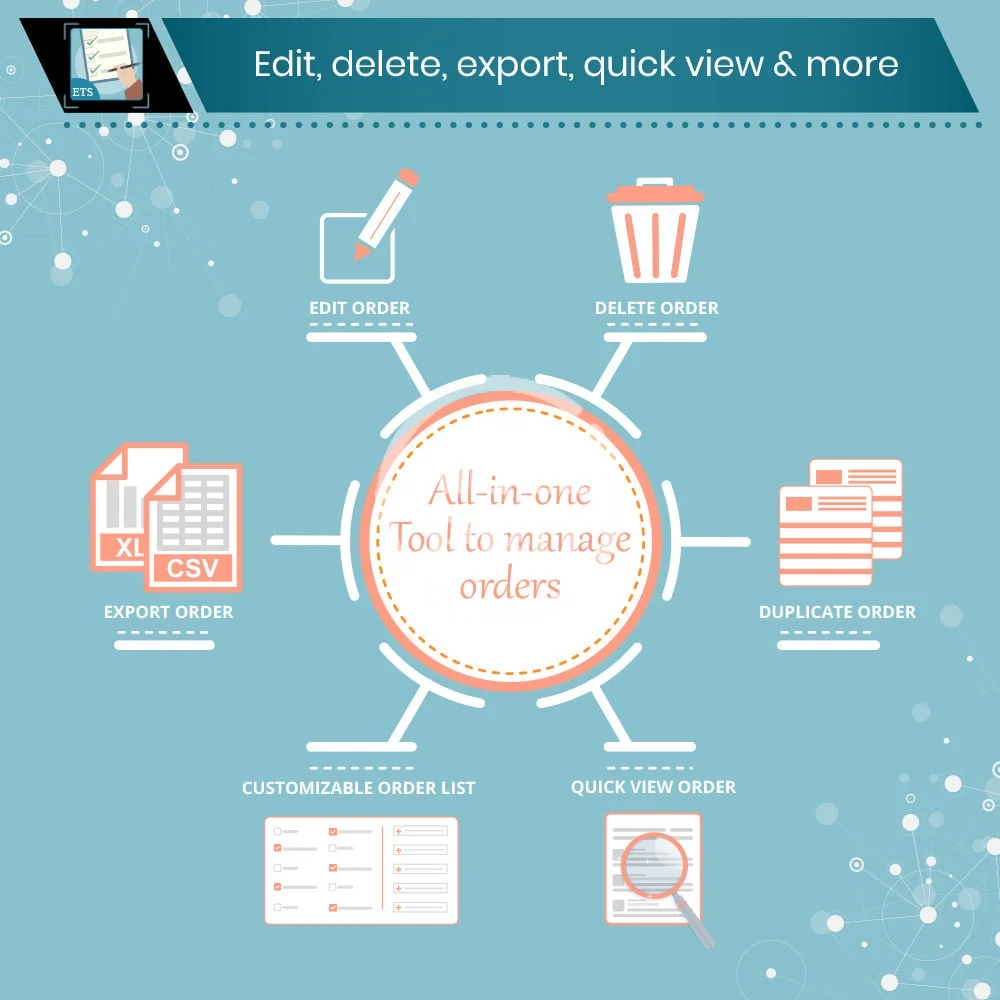
Edit/delete/duplicate orders, export orders to CSV/Excel/XM, quick view order and customizable order listing page with additional data fields. Order Manager is an all-in-one PrestaShop order management tool to manage orders easily and effectively.
Features
1. Order management features
- Edit order: Order Manager allows you to modify every type of order information visible in Prestashop back office with live editor. You can edit order info on order listing page or on order detail page.
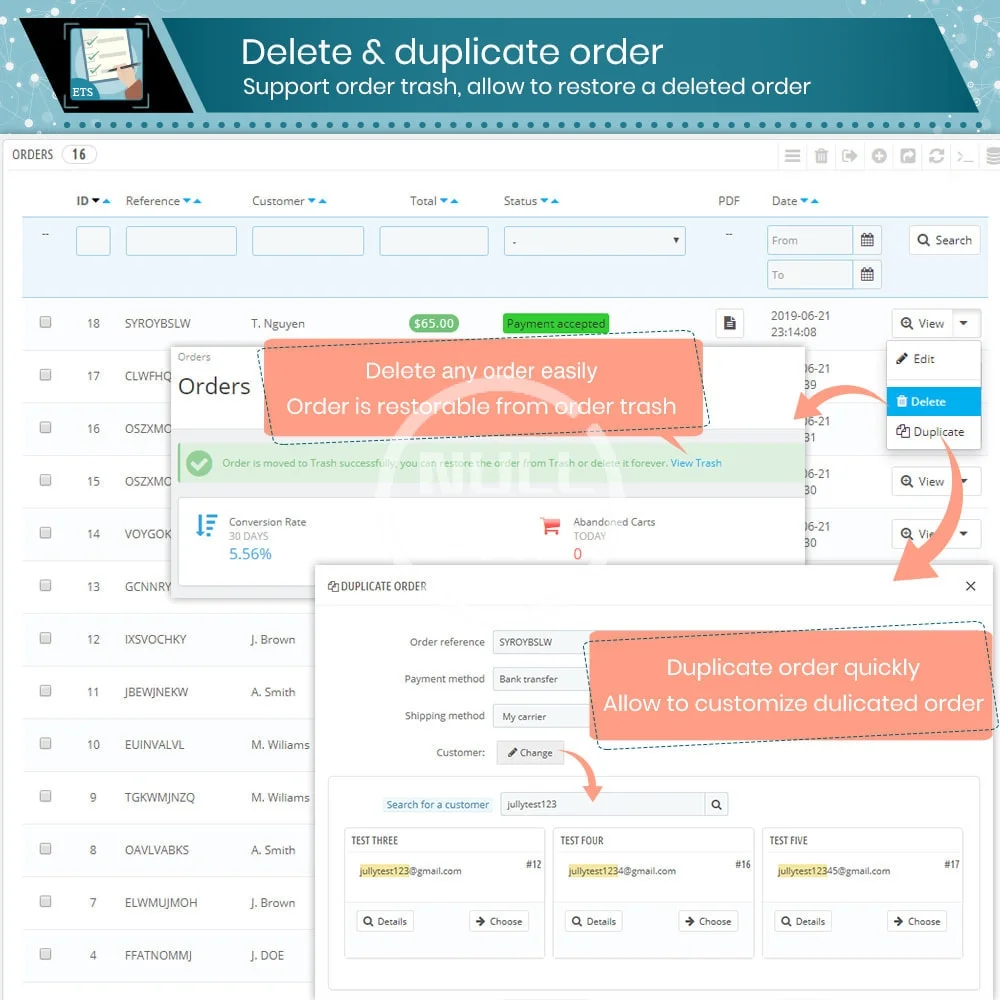
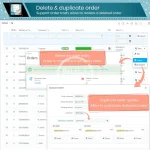
- Delete/restore order: you can move unnecessary orders to trash and then delete orders permanently or restore orders back to order listing page.
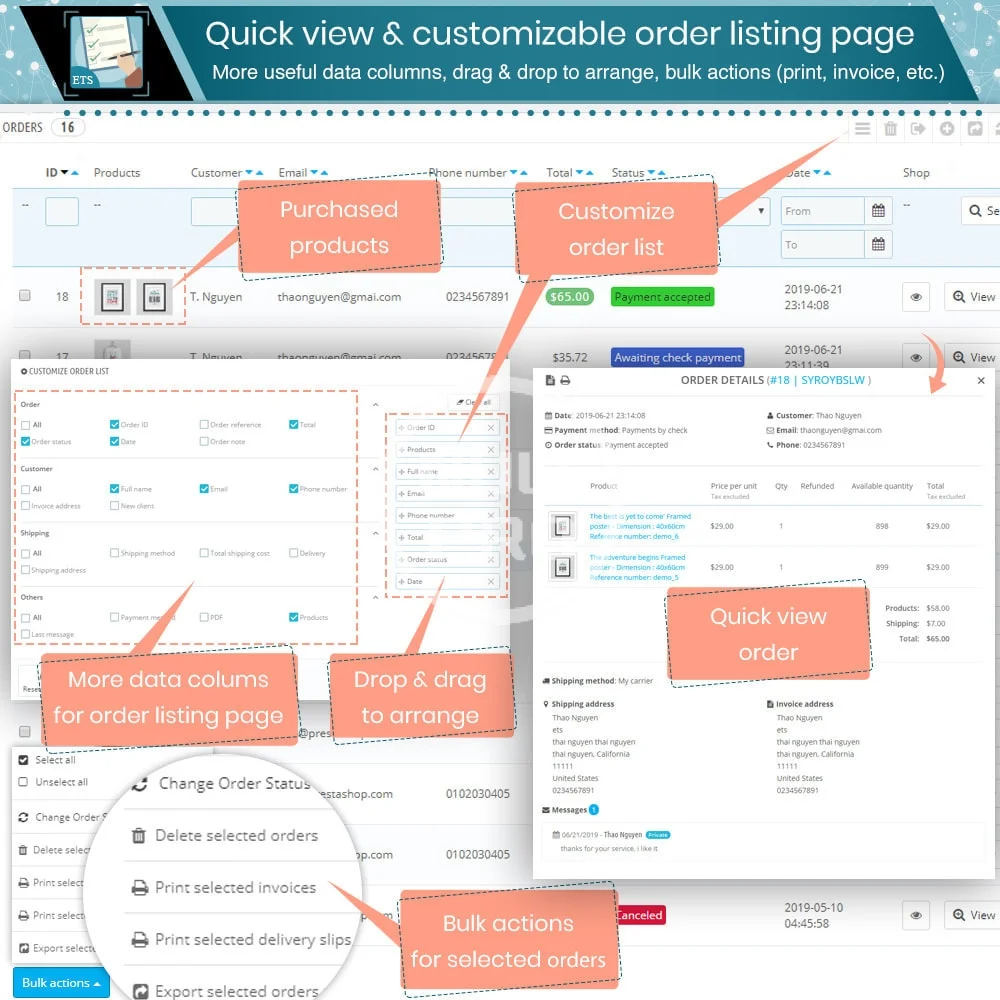
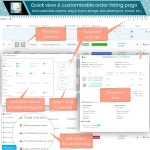
- Customizable order listing page: enable you to add more useful data fields (compared to default fields that Prestashop offers) to display on order listing page. You may select data fields to display and sort up data fields by dragging and dropping field names.
- Support quick view popup on order listing page.
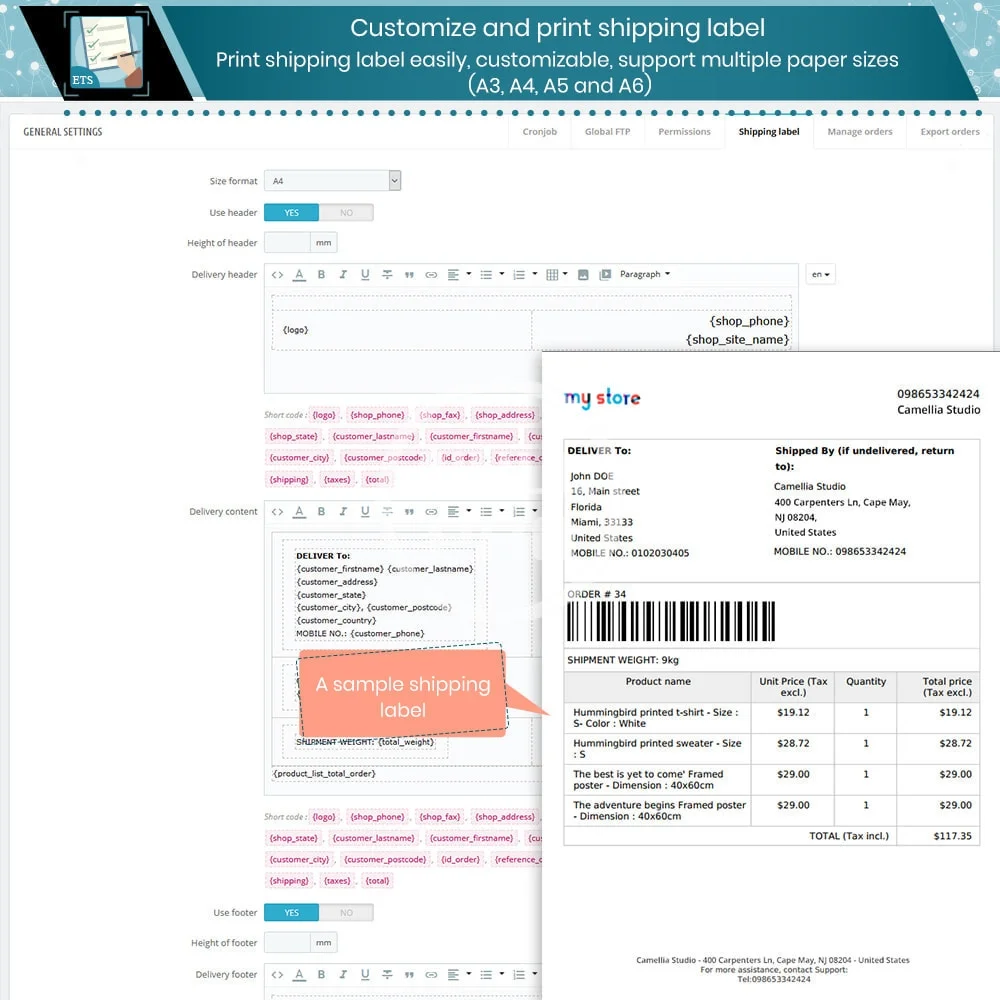
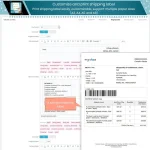
- Customize shipping label with multiple paper sizes supported (A3, A4, A5 and A6), print shipping label easily.
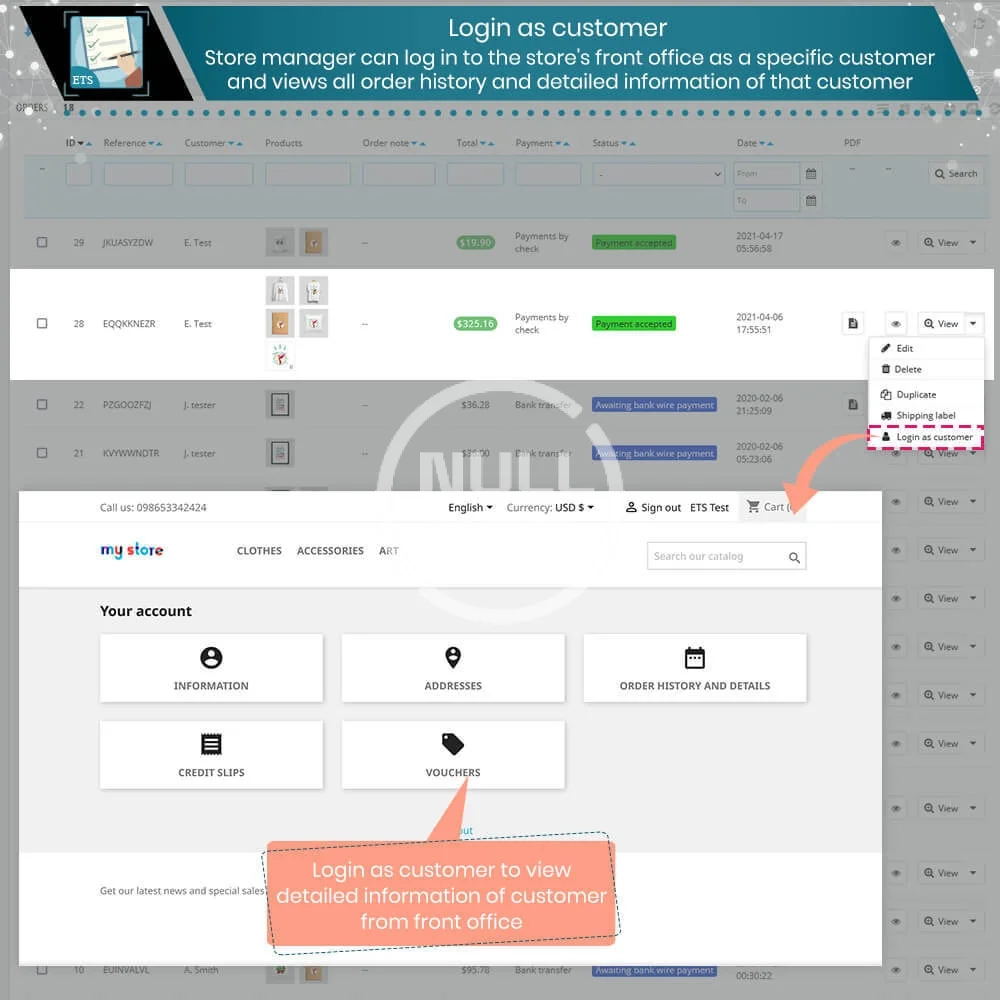
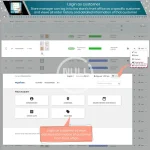
- Login as customer: enables a store manager to log in to the store's front office as a specific customer and views customer’s order history, detail information, credit slips, vouchers.
- Option to duplicate order and modify shipping method, customer shipping/invoice address and assign a new customer to new duplicated order.
- Option to add order note
- Support print multiple selected invoices/delivery slips in one click
- Option to export selected orders to CSV on order listing page.
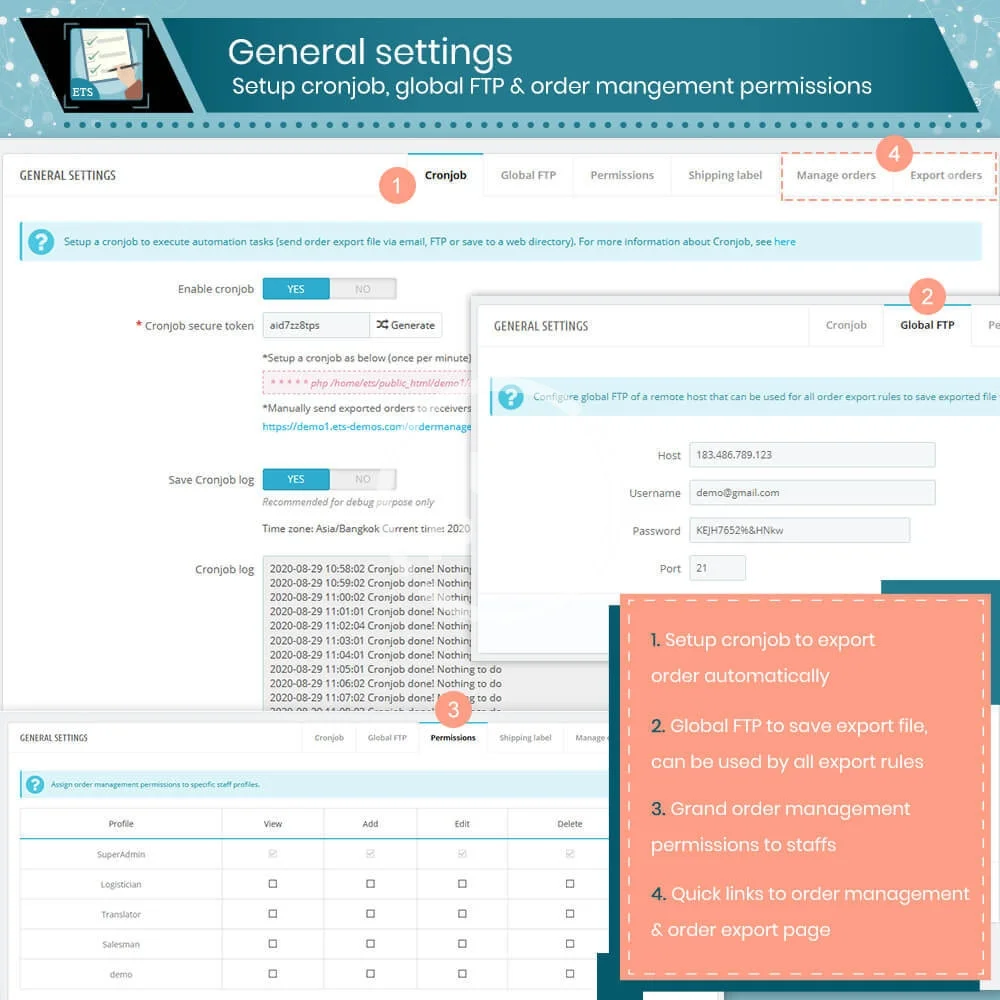
- Option to assign order management privileges for staff members: view/add/edit/delete orders.
2. Order exportation features
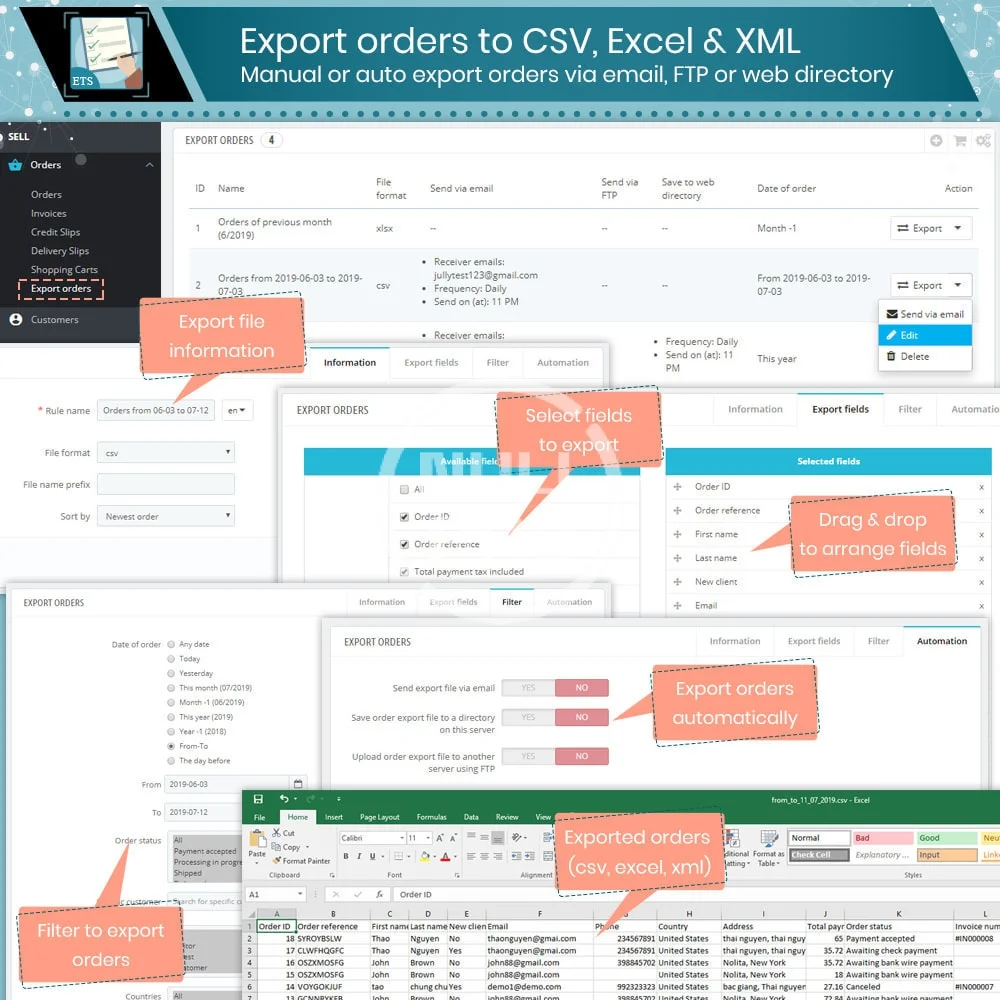
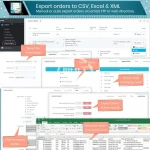
- Export orders to CSV, Excel or XML file
- Support multi-export rules
- Options to export orders by date (this month, last month, this year, last year, time range), order status, export order by customer, customer group, country, carrier, payment method, manufacturer, supplier, category, specific product and order total.
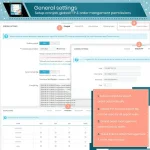
- Option to set up file name prefix, number of decimal digits
- Option to sort exported orders by newest order, newest customer, order total
- Option to download orders directly
- Option to set up a scheduled cronjob to automatically export orders
- Option to send exported orders via email: email title, email content, multi-receivers
- Option to upload exported orders to a directory on the same server or use FTP to upload exported orders to another server
https://prestahero.com/83-order-exporter.html
-
 order-manager-edit-delete-export-quick-view-more (2).webp
 -
 order-manager-edit-delete-export-quick-view-more (3).webp
 -
 order-manager-edit-delete-export-quick-view-more (4).webp
 -
 order-manager-edit-delete-export-quick-view-more (5).webp
 -
 order-manager-edit-delete-export-quick-view-more (6).webp
 -
 order-manager-edit-delete-export-quick-view-more (7).webp
 -
 order-manager-edit-delete-export-quick-view-more.webp